

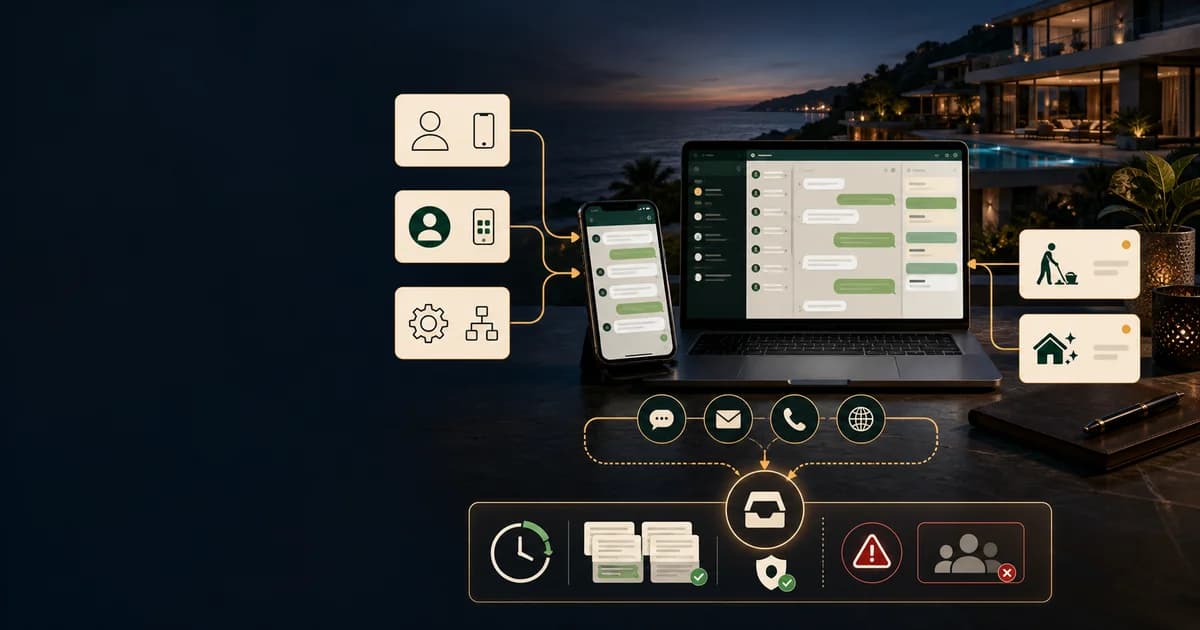
For guests in Europe and Asia-Pacific, WhatsApp isn't a channel choice — it's where they already live, and a villa that answers there feels local in a way an OTA inbox never will. The decision is which tier to use: the personal app (fine for one property, fragile beyond it), the free WhatsApp Business app (profiles, quick replies, a handful of linked devices), or the WhatsApp Business Platform API (automation, AI, a shared number — governed by Meta's 24-hour service window and pre-approved template messages). Meta moved the Platform to per-message pricing on July 1, 2025, which changes the maths for anyone still budgeting off the old per-conversation model. This guide walks through the three tiers, the actual Business Platform setup sequence, Meta's rules translated into host language, and is honest about when WhatsApp is the wrong channel entirely.
The pattern every EU/APAC operator knows: the booking arrives on Airbnb or Booking.com, and the guest's second or third message is some version of "do you have WhatsApp?" They're not being difficult — they're switching to the app where their boarding passes, family chats and taxi drivers already are. Meeting them there measurably speeds everything up. Ignoring it means your check-in instructions compete with OTA notification digests for attention, and lose.
Personal app, Business app, or Business Platform (API)?
WhatsApp is three different products wearing one logo, and picking the wrong tier is the most common setup mistake. A one-villa owner on the personal app and a twelve-villa operator trying to automate on that same personal app are both making an error, just in opposite directions. The honest decision table:
Setting up the Business Platform, step by step
This is the route for anything past a couple of owner-managed villas — it's also the one people get wrong by treating it like signing up for an app instead of registering a business messaging channel. The sequence:
- Create a Meta Business Portfolio and verify the business — legal name, address, and one verified admin who controls the account.
- Pick an access route: Meta's own developer signup, or a Business Solution Provider (Twilio, 360dialog, and similar) — most small operators go through a BSP or through whatever platform their PMS or AI co-host is built on, because Meta doesn't offer hand-holding support at this scale.
- Register a dedicated phone number for the WhatsApp Business Account. It has to be a number not already active on the personal app or the free Business app on that same number.
- Submit the business profile — logo, category, description, hours — for Meta's review before it goes live to guests.
- Build message templates for anything you'll ever need to send outside an open conversation: a check-in reminder three days out, a door-code message on arrival morning, a post-stay review request. Each template is submitted for category and content review, and first-draft rejections are common — usually because promotional language ends up in what should be a plain utility template.
- Set up and log opt-in at the point of booking — a line in the confirmation email or a checkbox is enough, but keep a record, because Meta can ask a business to demonstrate it.
- Test the 24-hour customer service window before going live: send a real message from a test guest number, confirm free-form replies work inside the window, then confirm that messaging outside it correctly forces a template.
- Connect the number to whatever will actually run the conversation — a shared inbox, your PMS, or an AI layer — before telling a single guest the number is live. A published number with nobody watching it is worse than no WhatsApp channel at all.
Meta's rules in plain host language
The Business Platform runs on rules that sound like developer documentation but map cleanly onto hosting reality. The 24-hour customer service window: once a guest messages you, you can reply with anything — text, images, free-form — for 24 hours at no charge. After the window closes without the guest messaging again, you can only re-initiate using an approved template, which reopens the window. In practice, guests mid-stay message constantly, so the window is open when it matters most; it's the pre-arrival and post-checkout messages that usually need a template.
Message categories, per Meta's current documentation: marketing (promotional, always charged), utility (transactional — booking confirmations, check-in details, charged only when sent outside an open window), authentication (verification codes, same rule as utility), and service messages, which Meta made free for all businesses. Getting a template's category wrong at submission is the single most common cause of a rejected template — a check-in reminder with a discount code in it reads as marketing, not utility, and gets priced and reviewed accordingly.
On opt-in: Meta requires that a guest has agreed to receive business-initiated messages before you send them a template outside the service window. As of Meta's updated Business Messaging Policy, that consent no longer has to name WhatsApp specifically — a general opt-in to receive marketing or service messages, collected on any channel, satisfies the requirement, provided it states who's messaging and what for. A line in your booking confirmation covers it. None of this applies to a guest replying to you first; a guest who opens the conversation has, by messaging you, put you inside the free 24-hour window regardless of any prior opt-in.
Why does any of this exist? Because a channel with no cost to blast messages becomes unusable within a year — it's the reason SMS marketing lists rot and email deliverability collapses. The service window and template review are Meta's spam brakes; they're also why guests still open WhatsApp messages from businesses at far higher rates than email. The friction on the host side is the reason the channel stays clean on the guest side.
WhatsApp + Telegram + OTA threads, one inbox
Hostella runs WhatsApp (Meta Business Platform, your own number) as a live two-way AI channel — org-level number, per-villa overrides, guest requests becoming staff tasks — from $93/month.
See pricingWiring WhatsApp into actual operations
One number per villa, or one number for the operation? The pattern that scales is a shared operation-level number — guests save one contact, staff share one inbox, nothing lives on anyone's personal phone — with per-villa overrides where a specific property has its own brand worth protecting. That's the model Hostella runs: WhatsApp as a live two-way channel where the AI answers in the guest's language, turns requests into assigned staff tasks, and escalates anything sensitive, with OTA threads flowing into the same unified inbox alongside it. The guest experiences one conversation; the operation sees one timeline.
When NOT to use WhatsApp
Honesty section, starting with geography: North American guests often don't have WhatsApp installed at all. For a largely US/Canadian guest mix, SMS/iMessage and the OTA thread remain primary, and pushing a guest onto an app they'd have to download adds friction instead of removing it. Check your own guest mix before assuming WhatsApp is universal — it isn't, even where it feels like it should be.
The bigger rule sits with Airbnb specifically. Airbnb's terms require pre-booking communication to stay inside the platform — a guest asking questions before they've booked, moved to WhatsApp, is a policy violation that puts the listing at risk, not a convenience. The mechanism is enforcement, not etiquette: Airbnb scans messages for contact information and phone numbers before a reservation is confirmed, and repeated attempts to route inquiries off-platform can trigger listing penalties. After a booking is confirmed, exchanging a phone number for stay logistics is normal and expected. The distinction is confirmed vs. not — not whether the conversation feels informal.
Even after confirmation, keep anything contractual on the OTA thread, not WhatsApp. Dates, refund amounts, damage claims, cancellation disputes — anything that could end up in an Airbnb Resolution Center case or a chargeback needs to exist somewhere the platform can see it. WhatsApp has no dispute mechanism and no record either party can hand to a third party as proof; the OTA thread does. Logistics on WhatsApp, paper trail on the OTA — running both isn't redundant, it's the correct split.
And never make WhatsApp the only channel. Some guests won't use it regardless of region — older travelers, corporate bookers with device policies, guests who simply prefer email. The booking platform thread has to remain a first-class fallback, not a channel you've quietly stopped checking because WhatsApp feels faster. A useful floor: every guest gets an answer on the channel they wrote on, not the channel you'd prefer.